
Your whole program.
One Locker.
Every player, coach and parent, linked in one dashboard. Pay only for the seats you hand out.
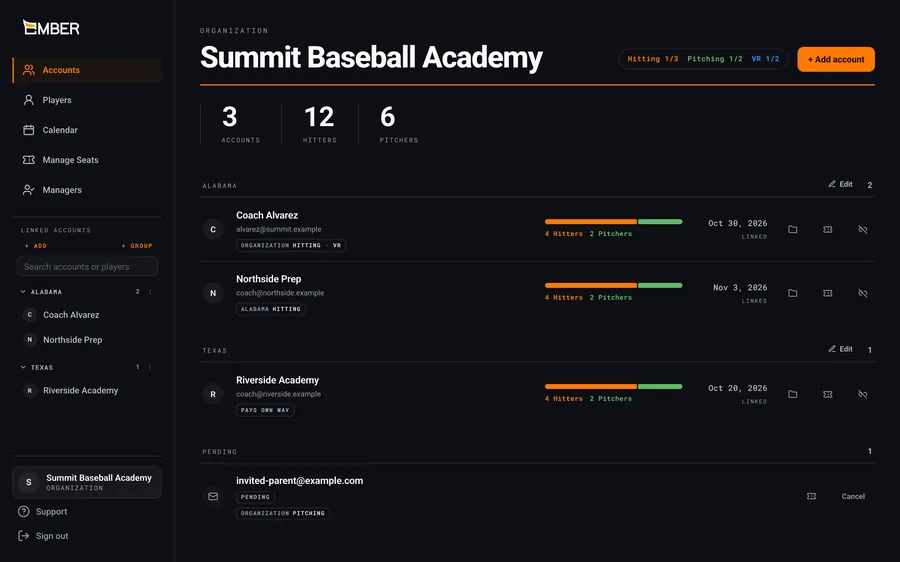
For facilities, academies, travel and school teams, and lesson coaches.
Set up in an afternoon
- 01
Create your organization
Sign up on Locker. Free, nothing to install.
- 02
Invite your people
Email invites, or a join link and QR code.
- 03
Assign seats, see the data
Cover athletes with seats. Their sessions show up as they train.
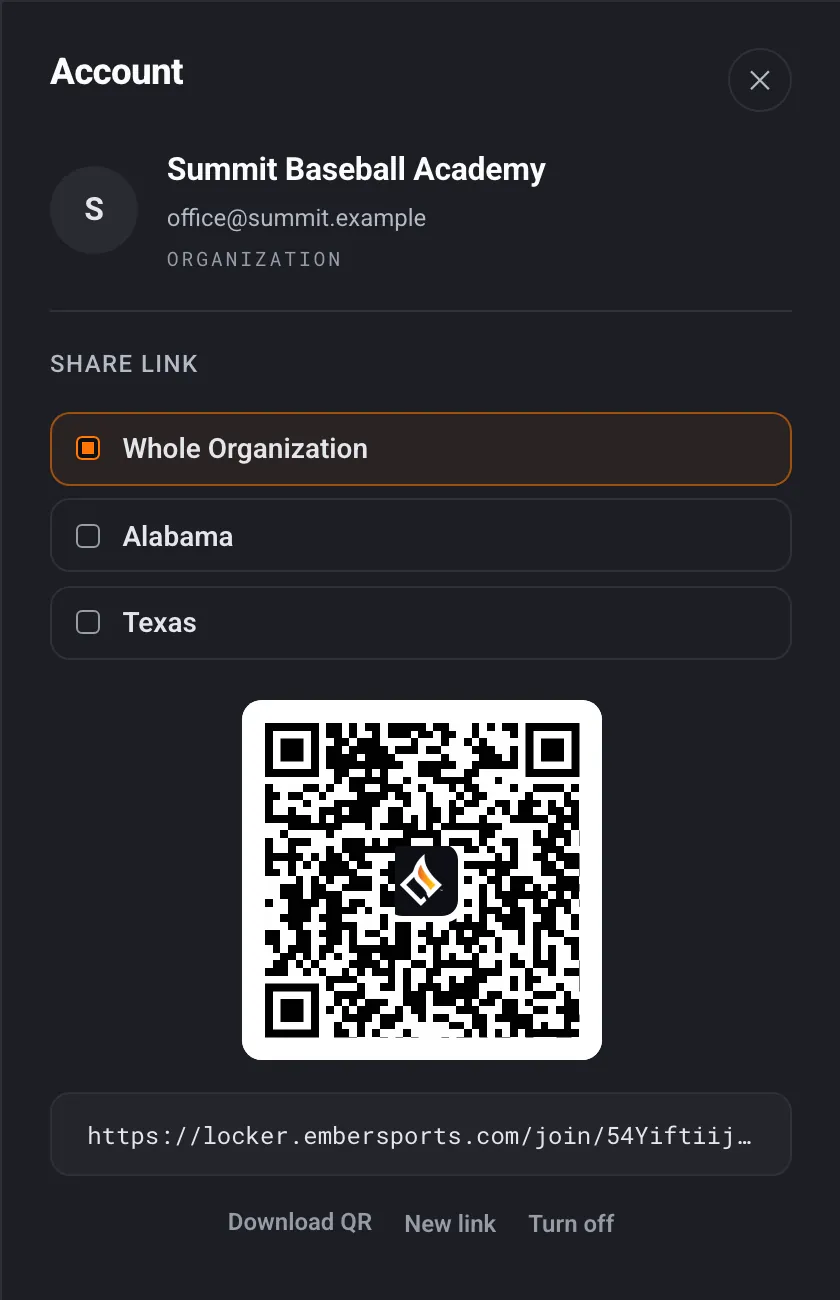
Every athlete. Every rep. One view.
Every session from every account
One calendar across every linked account. Filter to one player in a click.
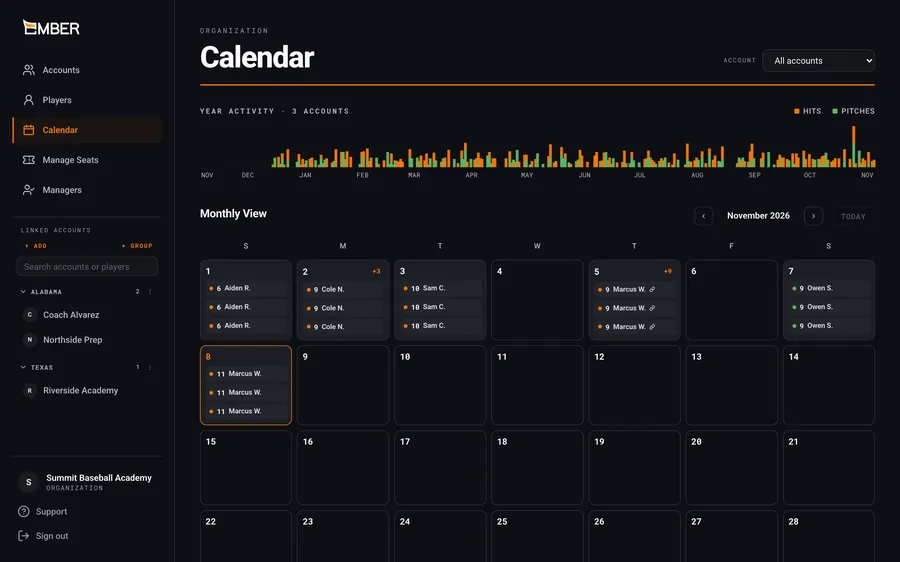
Open any account, down to the rep
Any athlete's Training Log and session reports, down to every rep. Read-only, with PDF and CSV export.
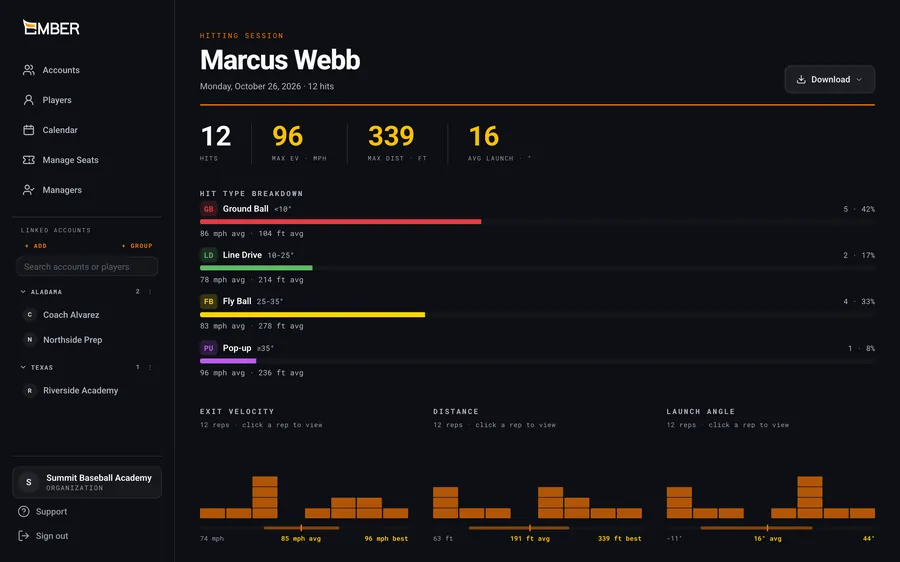
Run it by team, region or program
Groups with their own join link and manager. View-only managers see everything, change nothing.
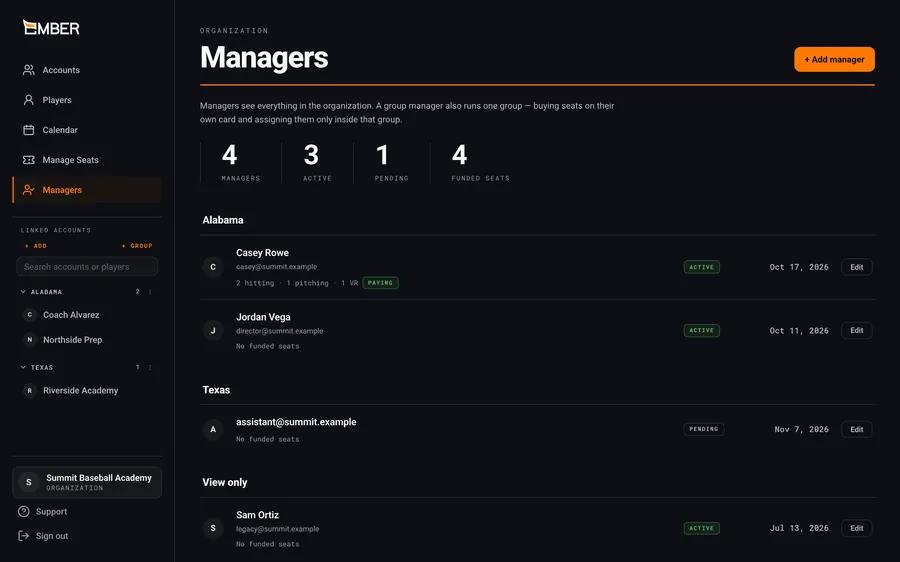
Who can do what
Pay for seats, not sign‑ups
Linking is free and unlimited. A seat covers one account in one app.
| Seat | Monthly | Yearly |
|---|---|---|
| Hitting | $12.99 | $119.99 |
| Pitching | $12.99 | $119.99 |
| VR | $14.99 | $155.00 |
- Athletes who already pay don't use a seat
- Add seats anytime, prorated
- Yearly saves up to 23% (about 14% on VR)
Estimate your seats
/month
17 seats. Link as many other accounts as you like, free.
Prices in USD before tax. A freed seat can be reassigned after 7 days.
Simple for them. Clear for you.
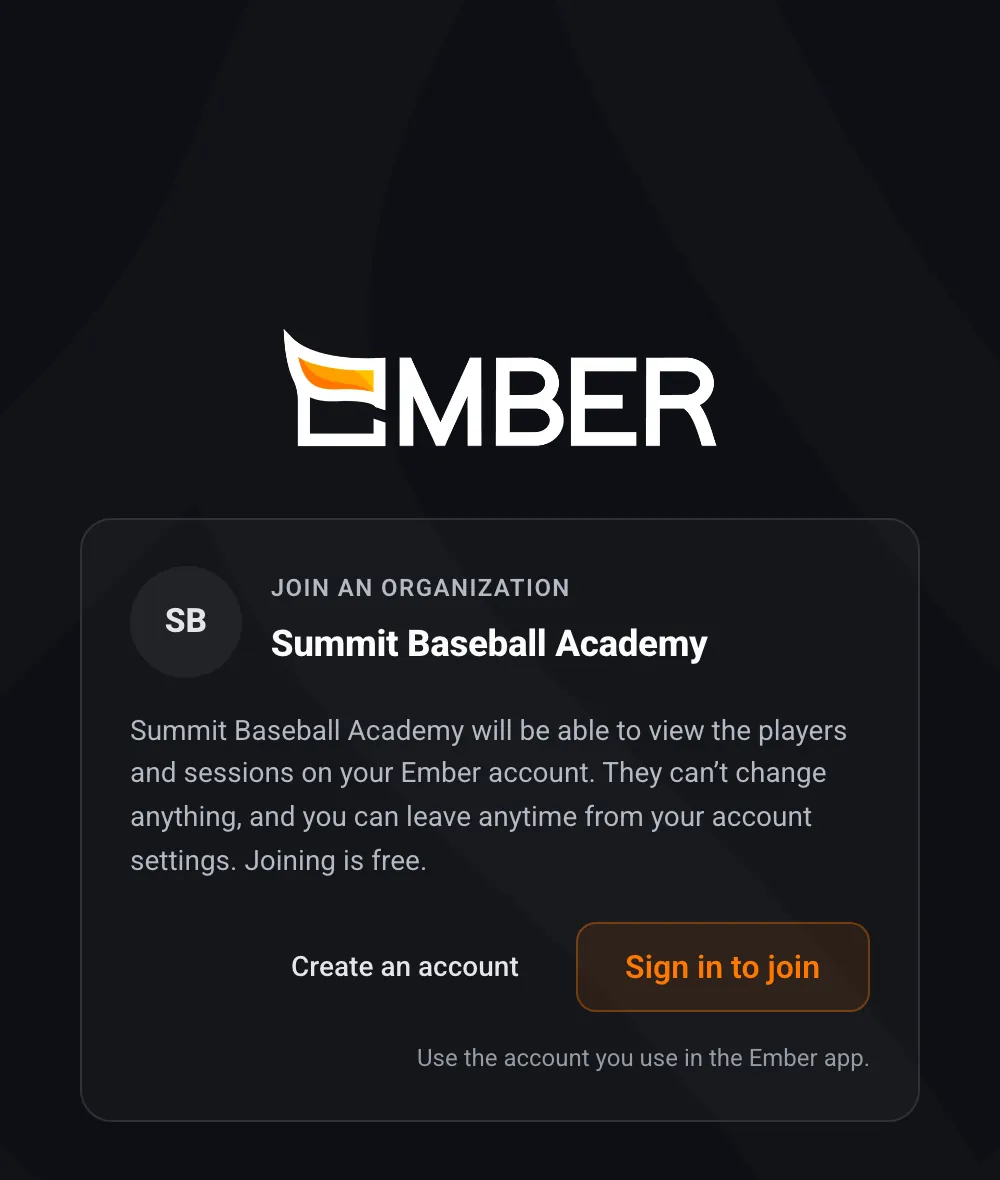
They see who's asking
Your name is on every invite and join link.
Covered, not double-charged
Their app shows that you're covering them.
Always their call
Free to join, view-only, and they can leave anytime.
Organization questions
Do organizations use the iPhone apps?
No. Organization accounts sign in on the web at Locker. Your players, coaches and parents keep using the Ember apps on their own devices.
What does it cost to link accounts?
Nothing. Linking is free and unlimited. You only pay for the Hitting, Pitching or VR seats you assign.
What if an athlete already pays for Ember?
They keep their own plan and show as paying for themselves, so they don't use one of your seats.
Can we change our seat count?
Yes. Added seats are prorated. Reductions and cancellations take effect at the end of your billing cycle. A seat freed from one athlete can go to someone new after 7 days.
What can our organization see?
Linked accounts' sessions, stats, swing and pitch video, session comparisons and exports, all read-only. You can't edit or delete an athlete's data.
We have several teams. Does that work?
Yes. Create a group for each team, region or age group. Each group gets its own join link, and you can add a General Manager to run it.
Can athletes leave an organization?
Yes, anytime, from their account settings.
Bring your program onto Ember
Set up your organization free, invite your roster, and add seats when you're ready.
Already set up? Log in to Locker